Email Security Basics — ViewChart Lab
Email Security Basics for AI-Era Inboxes
The moment you connect an AI tool to your inbox, security stops being someone else's department. The tool reads your mail. The question is what it does with it afterward.
Start with phishing checksThis guide covers phishing detection, APT response, and why CSAP certification keeps appearing in Korean procurement conversations.
Why phishing still works
Phishing succeeds because it targets attention, not technology. A message that looks like an invoice from a known supplier, arriving on a busy Tuesday afternoon, gets clicked before anyone checks the headers.
AI tools help in two practical ways. They can flag patterns across many messages at once, and they can summarize a suspicious thread so you see the actual request without opening attachments. Neither replaces judgment.
Classic warning signs that still matter for business inbox safety:
- —Urgency that pushes you to pay or log in right now.
- —Unexpected payment detail changes, even from a familiar name.
- —A reply-to address that differs from the sender address.
AI detection for email adds a layer on top of these checks, not a replacement.

A working habit
Read the request first, then the branding. If the message asks for money or credentials, verify through a second channel before you click.
Read the workflow automation guideAPT response
An APT is not one bad email. It is a patient campaign that spreads through trust.
Contain first
Identify affected accounts, cut access, and check what was forwarded or downloaded. Speed at this stage matters more than anything else.
Investigate next
Trace how the first account was compromised, which inboxes were touched, and whether rules or forwarding were added quietly.
Recover with people
AI email security can shorten detection time, but the response plan is human. Know who to call and how to lock accounts quickly.

CSAP and Korean public-sector expectations
CSAP stands for Cloud Security Assurance Program. It is used in South Korea as a certification benchmark for cloud services, and it appears in procurement requirements for public-sector buyers.
KT's AI email security launch referenced CSAP for that reason. For vendors selling into government or public institutions, the certification signals that a baseline security review has taken place.
What CSAP does and does not mean
It does not guarantee a product is secure, and it is not a substitute for your own assessment. Think of it as a common starting point that lets procurement teams compare vendors.
If you work with public-sector clients in Korea, expect certification questions early. They tend to arrive before feature discussions, not after.
Practical note for vendors
Keep a one-page summary ready: certification status, data location, retention period, and a contact for security review. Procurement teams ask for it first.
What to ask before connecting an AI tool
Five questions cover most of the risk. The answers are usually in a privacy policy or security page, though not always in plain language.
Does the tool store message bodies, and for how long?
Look for a retention period in days or months. Shorter retention with automatic deletion is easier to defend for client work than open-ended storage.
Can you delete that data?
Check whether deletion is self-serve, how long it takes to propagate, and what remains in backups. If a vendor cannot answer clearly, that is information too.
Who inside the vendor can access it?
Ask about support access, logging, and whether access requires your approval. For business accounts, route this through procurement or IT.
Does it train models on your content?
Some tools exclude customer content from training by default, others need an opt-out. Individual users should at least check this before connecting a work inbox.
What happens when you disconnect?
Confirm token revocation, data deletion timing, and whether summaries or embeddings remain. Test the disconnect path before you rely on it.
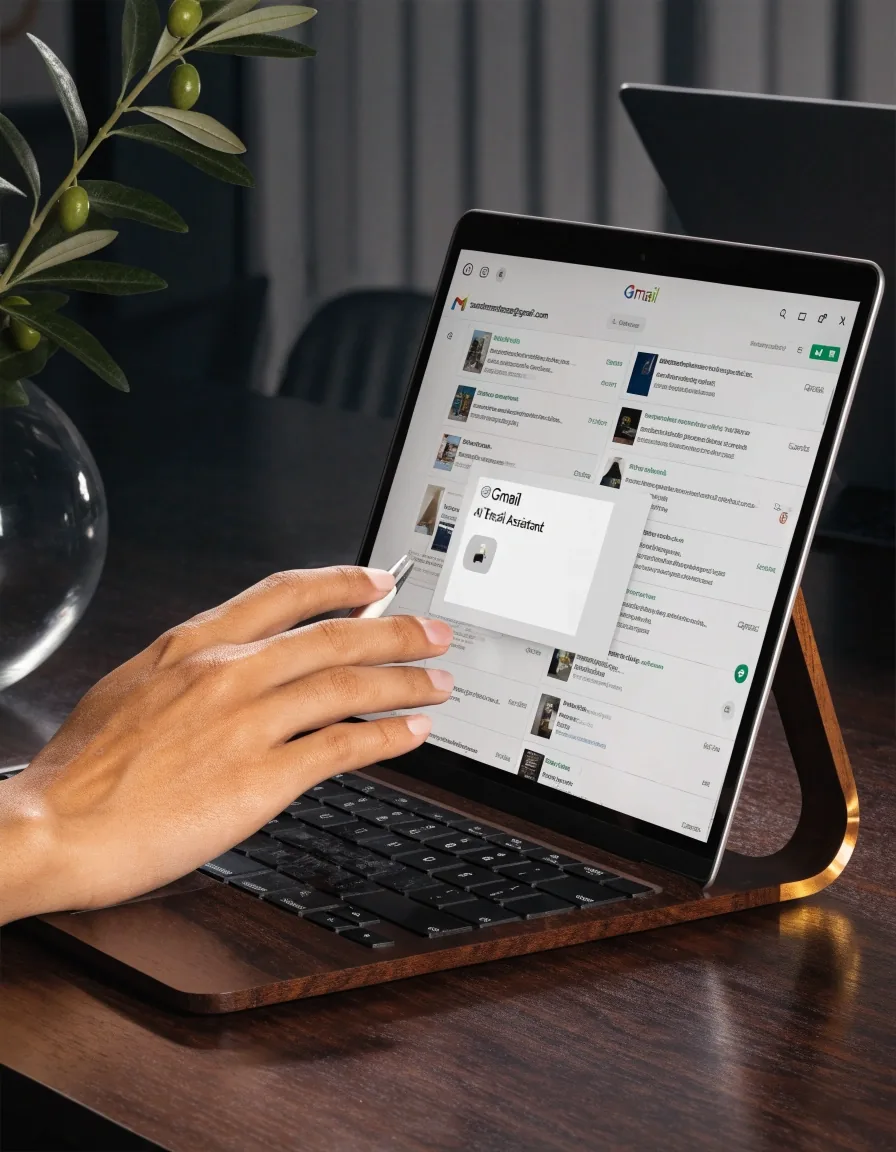
Phishing detection inside an AI assistant
AI assistants approach phishing differently from traditional filters. Instead of blocking on sender reputation and keywords, they assess context: does this request match how this contact usually writes?
That catches some things filters miss, particularly compromised accounts sending plausible messages. It also produces false positives, especially with unfamiliar senders writing in a second language. Treat AI flags as a prompt to look closer, not a verdict.
Multilingual phishing and Korean targets
Why language support matters defensively
Attackers targeting Korean organizations often write in Korean, sometimes with imperfect grammar that native speakers catch immediately. Others use fluent Korean and impersonate internal systems.
English-language phishing aimed at Korean companies exploits the assumption that external mail is in English. A polished Korean message from an internal address can slip past that assumption. A tool that reads both languages can flag inconsistencies a single-language filter would miss.
Workable baseline
Small steps that change the odds
- Turn on multi-factor authentication on every account, then remove access for accounts you no longer use.
- Verify payment and credential requests through a second channel, even when the message looks internal.
- Decide what an AI tool may see. Connecting a personal inbox is a different decision from connecting a client account with confidential attachments.
Where this leaves AI email tools
AI email security is genuinely useful and genuinely limited. It improves detection speed and helps you triage a busy inbox. It does not replace access controls, and it cannot fix a response plan that does not exist.
For Korean organizations working with public-sector clients, CSAP familiarity is worth having in the room. For individuals, clear answers about data handling matter more than a feature list. The rest is process. Tools shorten the gap between an incident and a response. People close it.

Common questions
Do AI email tools make phishing detection better?
They add context-based detection that traditional filters miss, particularly for compromised accounts sending plausible messages. They also produce false positives. Treat AI flags as a reason to look closer rather than a final answer.
What is CSAP and why does it come up in Korea?
CSAP is the Cloud Security Assurance Program, used in South Korea as a certification benchmark for cloud services. Public-sector procurement often asks about it, which is why KT referenced it in its AI email security launch.
Is it safe to connect a work inbox to an AI assistant?
It depends on the tool and your employer's policy. Check data retention, whether message content is used for training, and who can access it. For client accounts with confidential material, get an answer from IT or procurement before connecting.
What should I do first if I suspect an APT incident?
Contain the issue. Identify affected accounts, cut their access, and check what was forwarded or downloaded. Investigation and recovery come after. Having a contact and a way to lock accounts quickly matters more than any tool.
Keep this guide with your inbox setup notes
Compare automation and cross-platform setup before you connect anything new.
ViewChart Lab — Memed Abashidze Avenue 10 Batumi 6010 Georgia — Contact page for security questions.