
Cross-platform inbox guide
One Inbox Across Gmail, Outlook and IMAP
Most people do not use one email provider. Work on Outlook, personal mail on Gmail, sometimes Fastmail. This guide shows how to bring them into one AI-ready inbox, what IMAP still does, and where compatibility claims overpromise.
Why multi-provider inboxes are the norm
A typical professional in South Korea might have a corporate Outlook account, a personal Gmail, and an older Naver or Daum address that still receives bank statements and school mail. That is three inboxes before any AI tool enters the picture.
Checking them separately costs time and causes missed messages. The appeal of a cross-platform inbox is simple: one place, one search, one set of notifications. AI tools make this more useful because summarization and drafting work better when they can see the full picture rather than one account at a time.
Start from your real mix: list every address that still receives important mail, then decide which two you check daily. Those are the ones worth unifying first.

A cross-platform inbox keeps work and personal mail searchable together, without deleting the original accounts.
Setup before software
Bringing mail together is a setup problem before it is an AI problem.
How Gmail and Outlook connections work
Gmail and Outlook are the two most commonly supported inboxes in AI email apps. Support usually means a direct API connection or standard protocol access. Check which method a tool uses before assuming your account behaves like the demo.
Gmail Outlook integration starts with Gmail
ASAP states compatibility with Gmail, Outlook, Yahoo and other services. API connections tend to offer richer features, like reading full threads and labels. If you live in labels and filters, confirm they carry over.
Compare AI email assistants

Outlook needs a permission check first
Seamark Mail explicitly supports both Gmail and Outlook as well. For a corporate account, ask whether outside apps are allowed. If your IT policy blocks third-party access, keep that mailbox separate rather than working around the rule.
What IMAP still does
IMAP remains the way most non-mainstream accounts get connected. Seamark Mail lists it as a supported connection type, and it is the reason tools can reach providers that do not offer a modern API. Messages come through well, calendar and contact sync less consistently.


Fastmail and the privacy-minded segment
Fastmail occupies an interesting position. It is an independent provider, supported by Seamark Mail and listed in compatibility notes for AI email clients. Its users typically chose it deliberately, often for privacy reasons.
That creates a tension. Privacy-focused users want AI features without handing message content to another party. Tools that support Fastmail show they can work with independent infrastructure, though that is not the same as matching Fastmail's own privacy posture.
If privacy is your reason for Fastmail, read first
The provider choice and the tool choice are separate decisions. Read the AI tool's data policy before connecting: where messages are processed, how long drafts are kept, and how to disconnect cleanly.
Read email security basics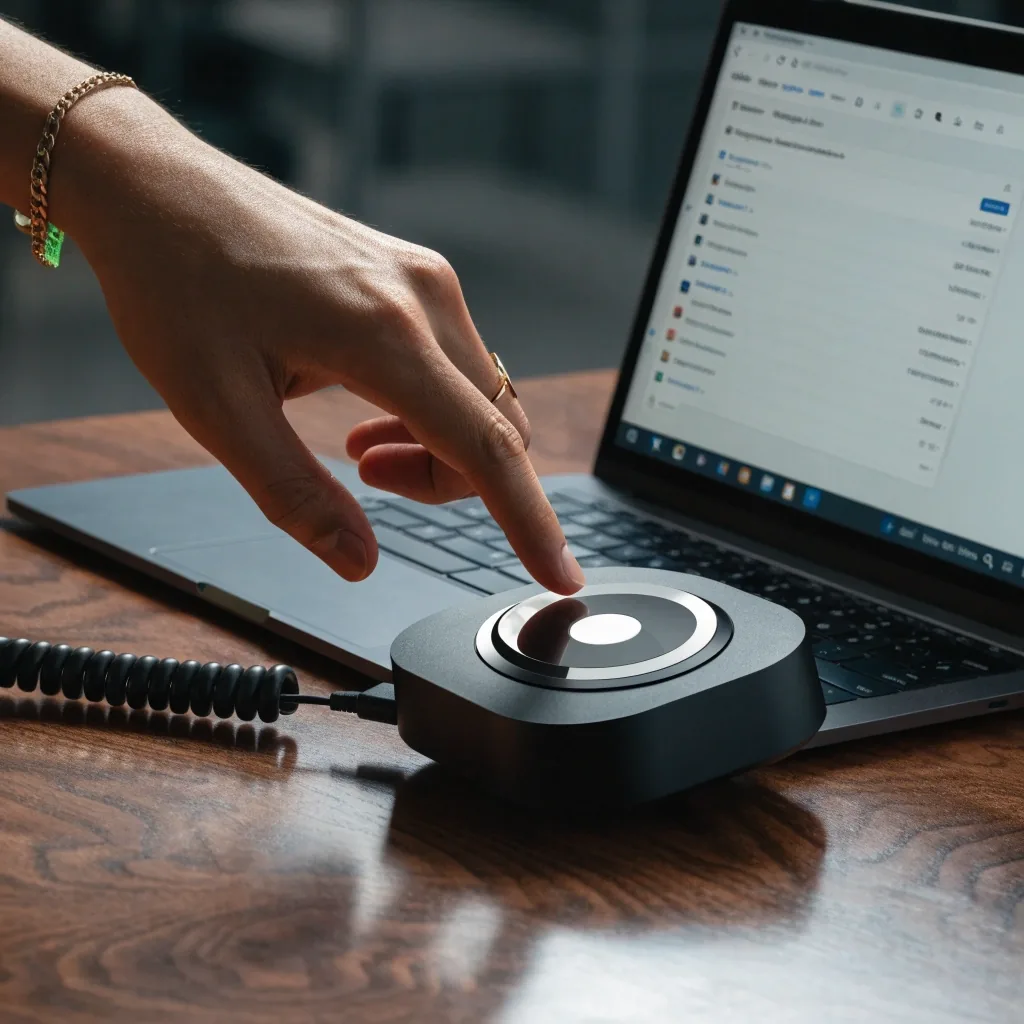
Local groupware often stays separate while Gmail and Outlook move into the smart inbox.
Local Korean services and the gap
The weakest area across most AI email tools is local Korean services. Global platforms are well covered. Domestic providers and groupware systems are not.
If your workflow depends on a Korean groupware platform for approvals, expect to keep that separate. The practical workaround is to keep the local system for what it does well and bring the international accounts into one AI-ready inbox. Partial coverage beats waiting for full support.
Setting up without breaking things
- Start with one account. Connect it, run the tool for a week, and check that messages, labels and folders behave as expected.
- Add the second account and watch for collisions: duplicate notifications, mixed search, replies sent from the wrong address.
- Keep the original apps installed during the transition, so you can still send mail if the new tool misbehaves.
When a unified inbox is not worth it
There is a case against consolidating everything. If your work account has strict compliance requirements, connecting it to a third-party tool may not be permitted at all.
Similarly, if you use one inbox for sensitive correspondence and another for newsletters, merging them removes a boundary that was doing useful work. Our rule: consolidate the accounts where a mistake is recoverable. Keep the ones where it is not separate until you have clear answers about data handling.
What to verify before committing
- Check the connection method for each account, not just the provider name on the pricing page.
- Confirm whether the tool reads existing threads or only new mail, then test search across accounts.
- Look at attachments: many AI tools summarize text and ignore files, which matters for invoices and contracts.
- Check the exit path. If you disconnect, your mail should stay intact in the original account.
Questions about multi-provider email access
Short answers on Fastmail IMAP setup, Gmail Outlook integration limits, and work-account caution.
Can I connect a Naver or Daum account to an AI email tool?
Usually not directly. Most AI email tools focus on Gmail, Outlook and similar global providers. If the account supports IMAP, some tools can reach it that way, but expect fewer features and verify before relying on it.
Is IMAP still worth using in 2026?
Yes, for a specific reason: it is how non-mainstream accounts get connected. Seamark Mail lists IMAP as a supported connection type, and it remains the practical route for smaller providers and older corporate systems.
What is the difference between API and IMAP connections?
API connections typically offer richer features like full thread reading and label handling. IMAP is broader in provider coverage but less consistent on calendar and contact sync. Which one you get depends on the tool and the account.
Should I connect my work account to a unified inbox?
Only if your employer permits it and you have checked how the tool handles message data. Compliance requirements vary. If the account carries confidential material, get a clear answer before connecting.
Ask about your provider
Not sure whether your combination of Gmail, Outlook, Fastmail or a university server will work with an AI inbox? Send us the provider names and we will point you to the right compatibility notes.
- Memed Abashidze Avenue 10 Batumi 6010 Georgia
- (765) 769-2315 · Mon–Fri: 9:00 AM – 6:00 PM
- [email protected]
ViewChart Lab · Memed Abashidze Avenue 10, Batumi. Visit during working hours or write to us first.